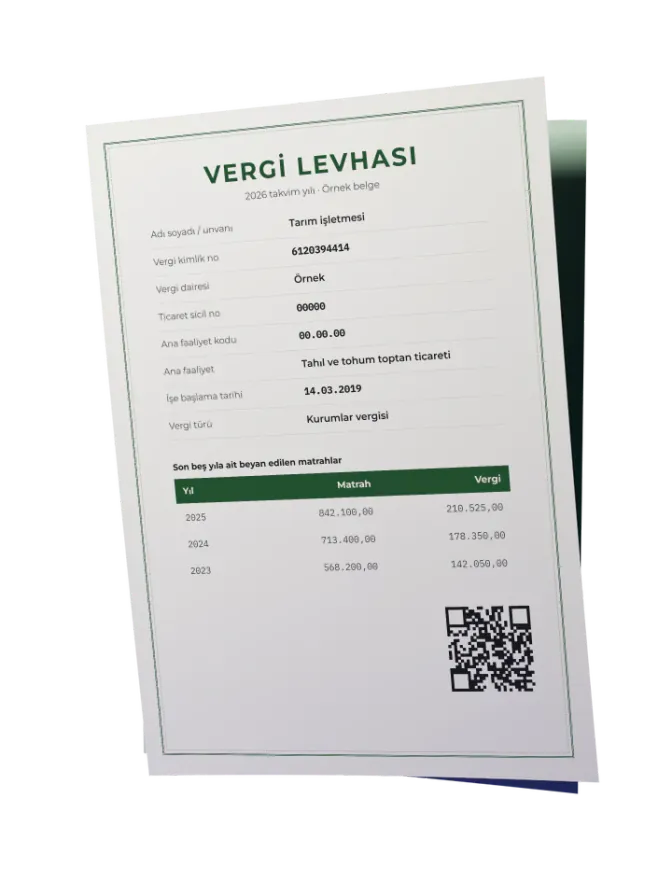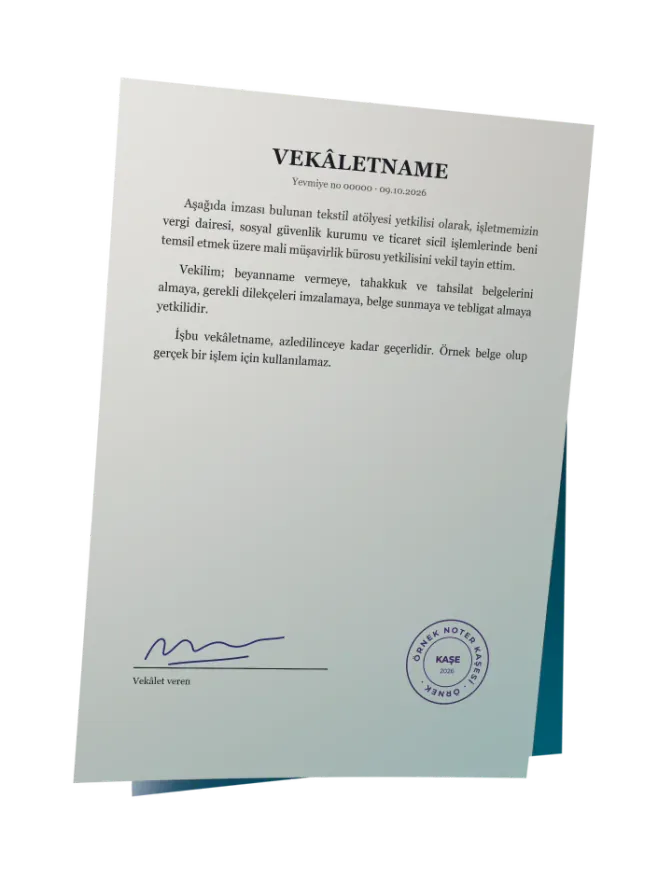
CleanAwaiting approvalApprovedFarm business
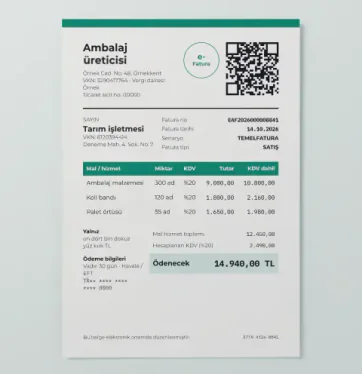
Purchase invoice
₺14,940.00October 2026
purchase-invoice-8841.pdfA cloud workspace for accountants. Collect the documents, have the AI read them, track the period’s work on one board, and produce the spreadsheet your accounting software expects in one click.
10 clients · 1 GB storage · 100 AI credits a month. No time limit. No credit card required.
Clients upload from their own area, you from the upload screen. All in one list.
Purchase invoice
purchase-invoice-8841.pdf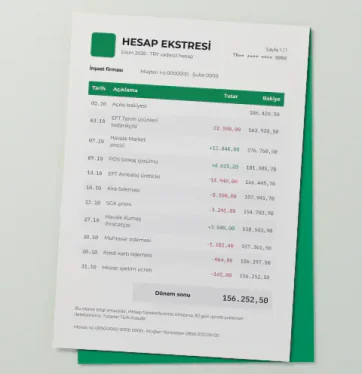
Bank statement
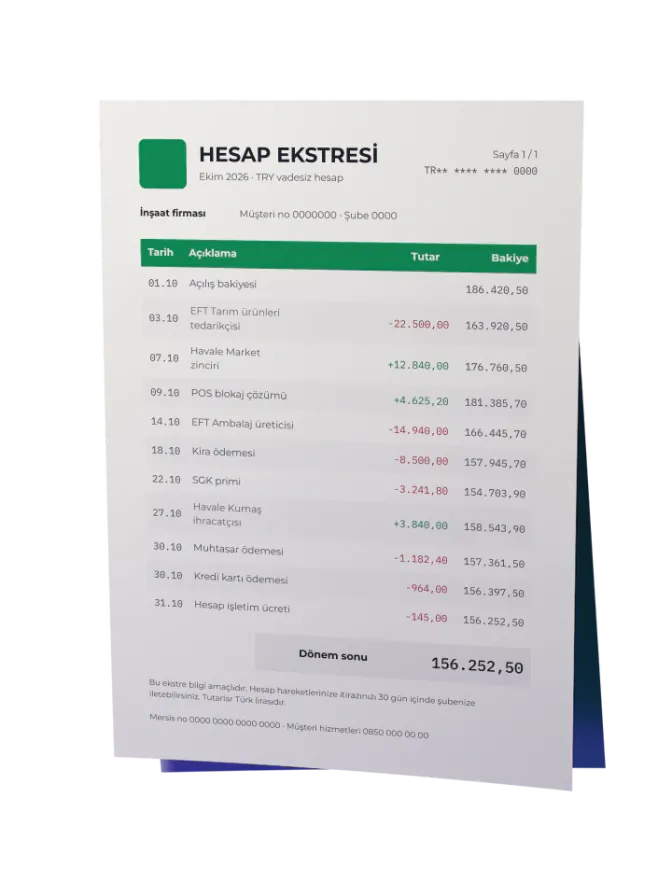
bank-statement-5102.pdf
Expense receipt
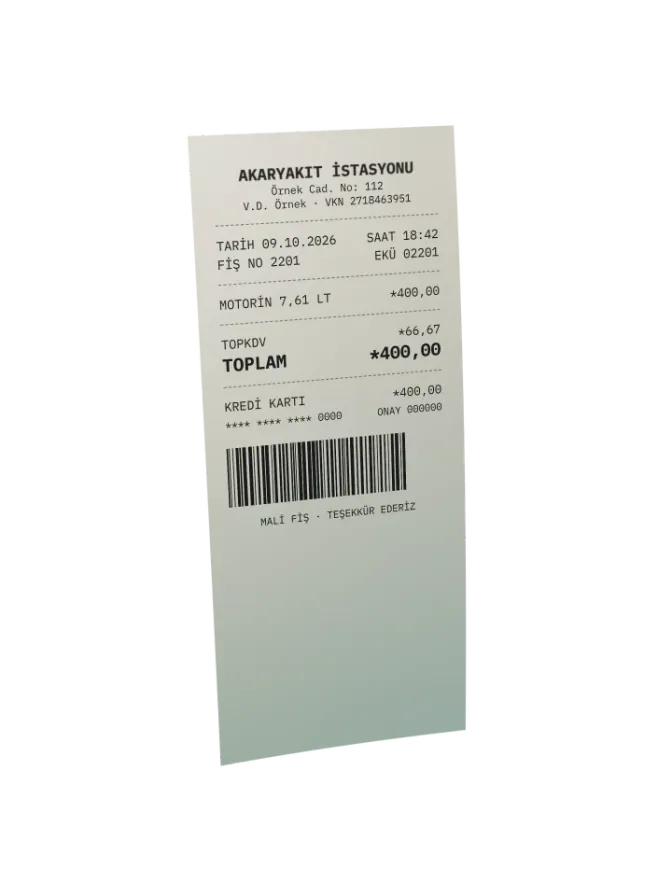
expense-receipt-2201.jpg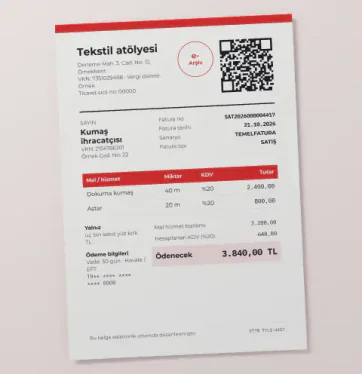
Sales invoice
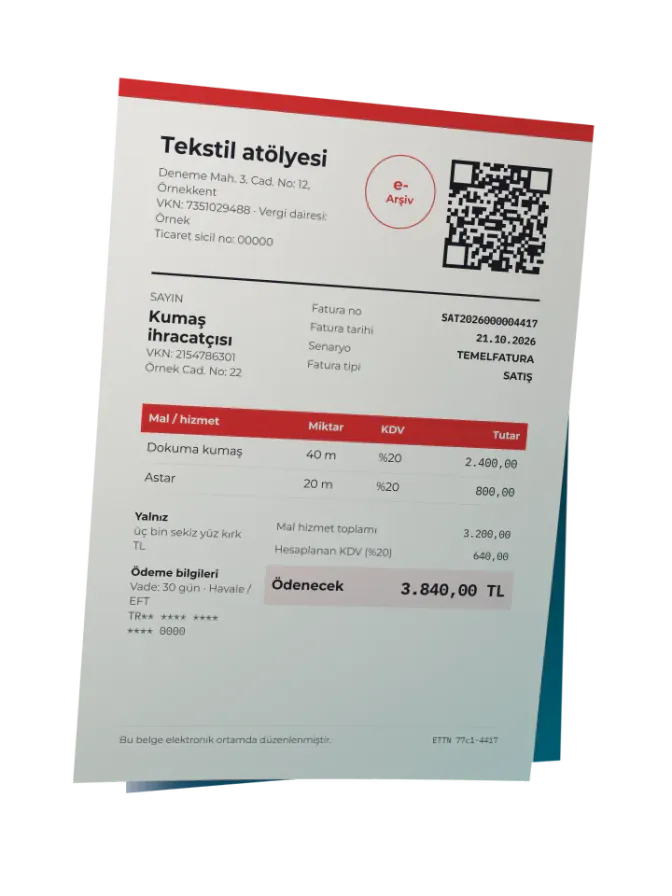
sales-invoice-4417.pdf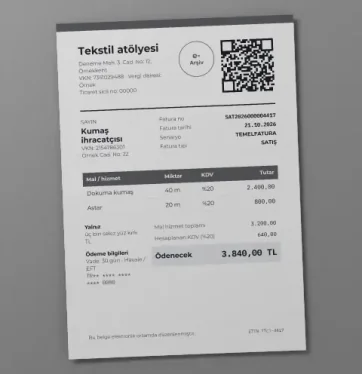
Sales invoice
sales-invoice-4417-copy.pdf
Contract
lease-contract.pdf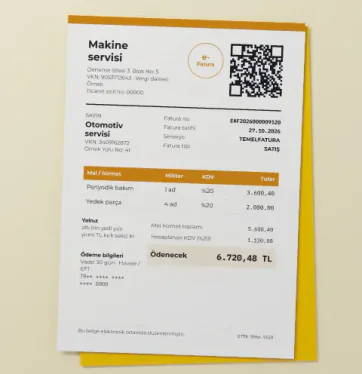
Purchase invoice
purchase-invoice-9120.pdf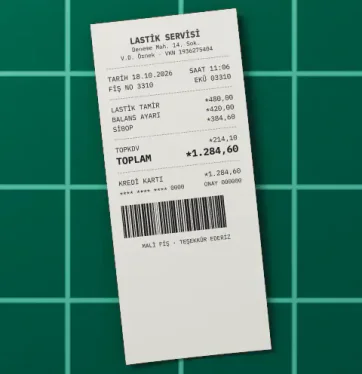
Expense receipt
expense-receipt-3310.jpg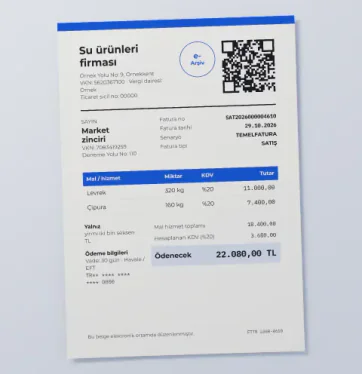
Sales invoice
sales-invoice-4610.pdf
Contract
service-contract.pdf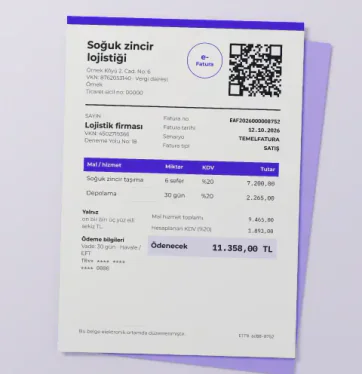
Purchase invoice
purchase-invoice-8752.pdf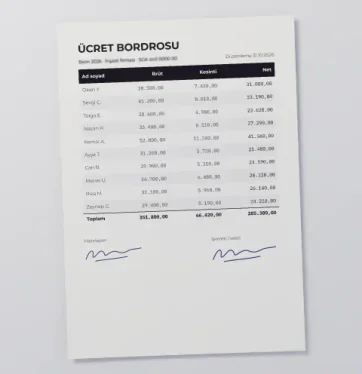
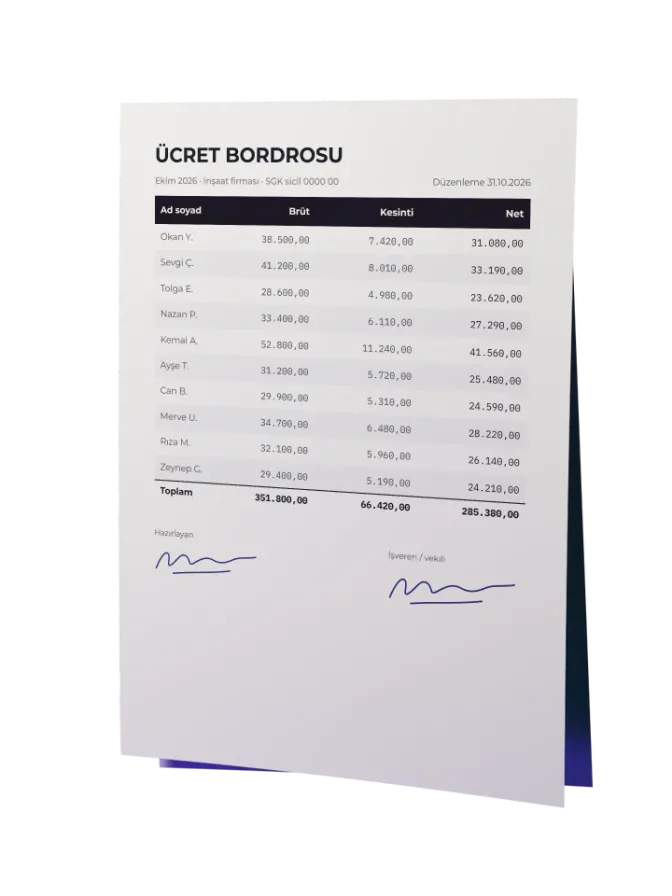
Payroll
payroll-october.pdf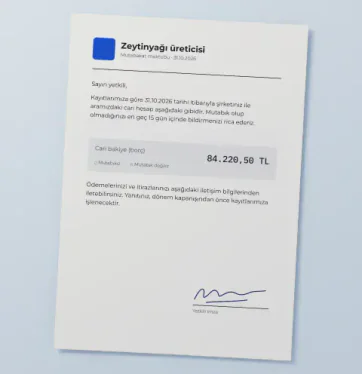
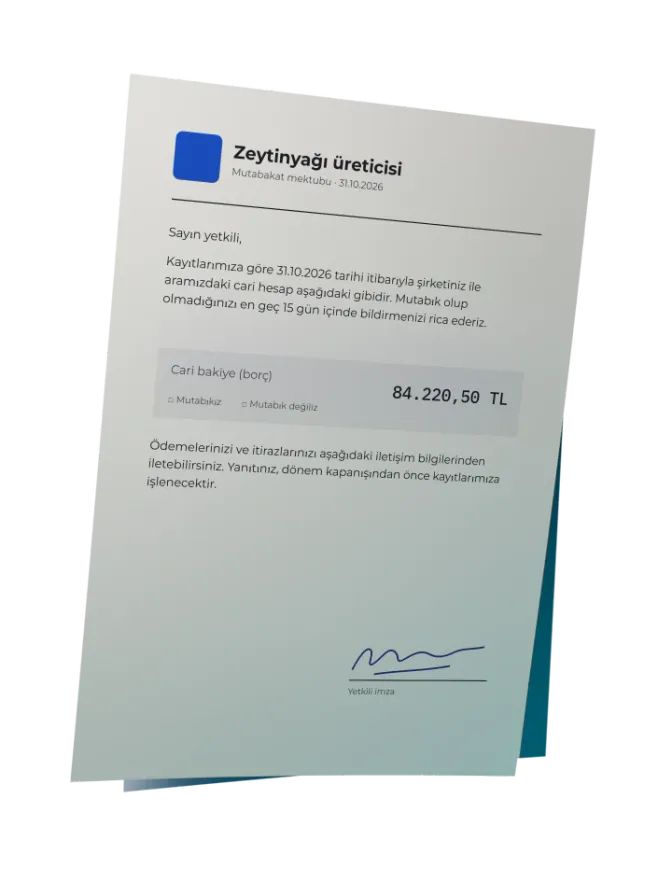
Reconciliation letter
reconciliation-letter.pdf
Expense receipt
expense-receipt-2187.jpg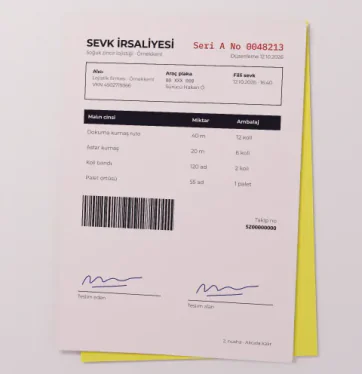
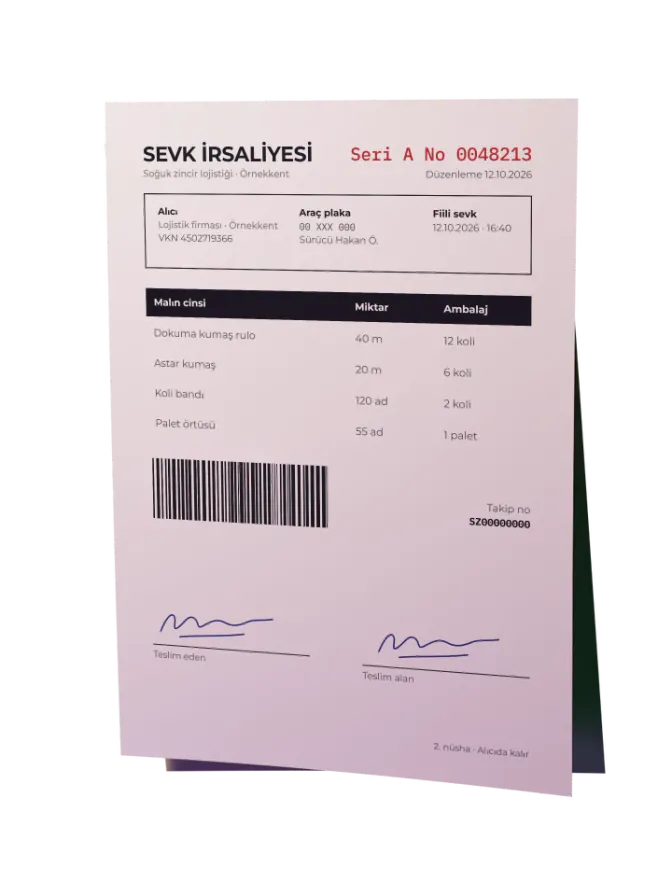
Shipping waybill
shipping-waybill-48213.pdfDocument types
You can create custom categories too. AI support isn’t offered in those categories.
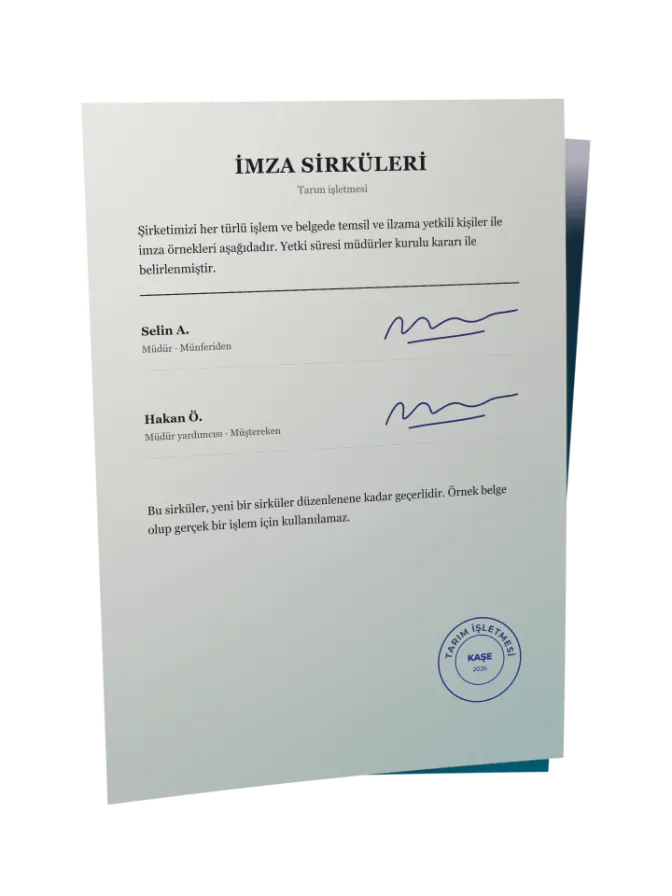
The companies, people and numbers in these images are fictional.
General
Get to know Muyoco. For other questions, contact us at info@muyoco.com.
See all questions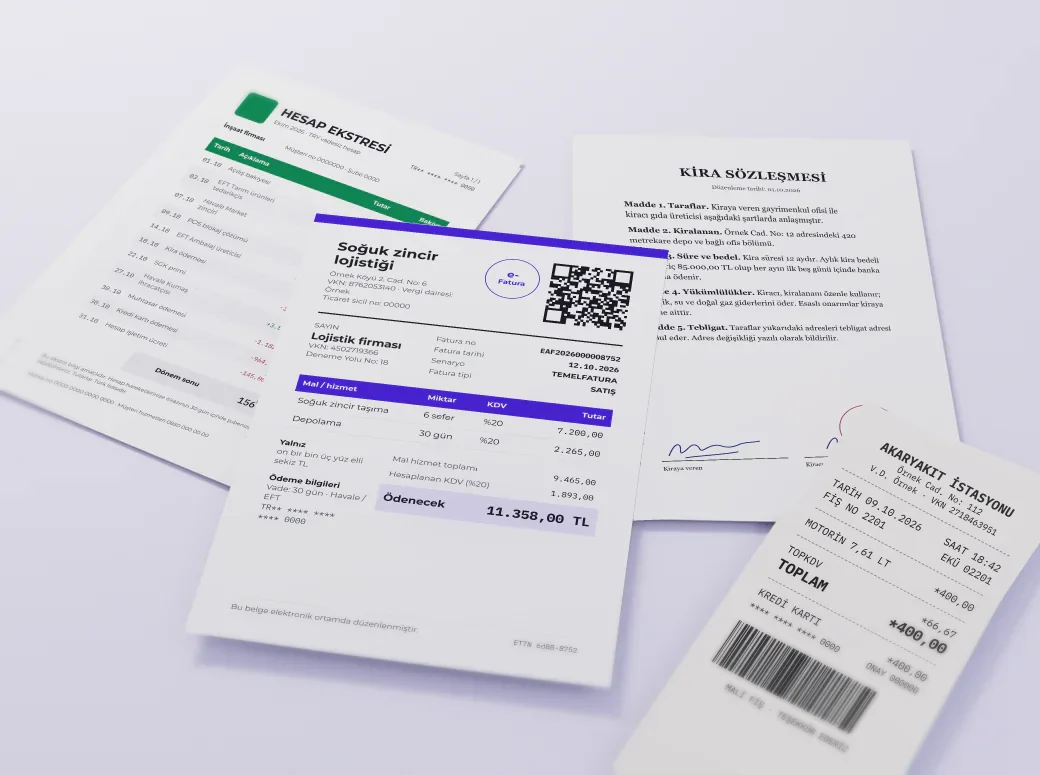
Muyoco is a cloud workspace for accountants and their clients. Clients can upload documents and track their periods from their own workspaces. The subscription and capacity belong to the accounting firm.
No credit card is required for registration or the free plan. Sign up with your first name, last name, phone number, email and password, then verify your email. Then set up your firm’s workspace with your identity details.
Create an account, add your clients, invite your team and start collecting documents. There is no setup fee or mandatory demo.
No. Muyoco provides client communication, document collection, AI reading and period tracking. You can create Excel exports suited to your accounting software; you continue keeping your records in your existing software.
Yes. They can upload documents, see what is missing and track their periods from their own workspaces.
Your documents and database archives are stored on servers in Türkiye. Document storage is provided under an agreement with Türk Telekom.
Our mobile app is in development.
Yes. You can download your documents and records in bundles organized by period. During account closure, your data is deleted subject to legal retention obligations.
We use necessary cookies to keep your session secure. With your consent, we would also like to use non-essential cookies to improve the service. You can change your choice at any time.
Workspace
All features are included in every plan. Plans differ only in client limits, storage space and AI credits.
Emails are sent from your firm’s account, in your firm’s name. Recipients see your address and replies come to you. You decide when they go, to whom and with which template.
Only permission to send email is requested. Sent emails also appear in your account’s Sent folder.
Explore the feature| Name | Status | Next run |
|---|---|---|
| Document reminder | Nov 20, 10:00 | |
| Pre-filing reminder | Nov 22, 09:30 | |
| Last month’s gaps | Nov 5, 09:00 | |
| Period closing note | — |
office@sampleaccounting.com12 / 14 sentOrganize documents by period and category. Manage your clients’ uploads and your own bulk uploads together. Duplicate uploads are detected before they are saved.
Each file’s result is shown separately; a rejected file doesn’t stop the others uploading.
Explore the featureDocument information is checked against the rules for its category. Only information you approve is exported to Excel. Documents that need additional checks are sent for review.
Each reading that produces a result uses 1 AI credit. Manual editing does not use credits.
Explore the featurepurchase-invoice-9120.pdf
905371264310/27/2026EAF202600000912010%4,320.482,400.00Manage each client’s monthly workflows through a card. Move cards through work stages and track their current status with your team.
You decide the card’s column. The card shows who last moved it and when.
Explore the featureCreate an Excel file by selecting a client, category and period. Define which fields go into which columns once, then use your template each period.
Excel files contain approved document details only. Amounts are kept exact to the kuruş (1/100 lira).
Explore the feature| Seller | Tax no. | Tax base | VAT | Total |
|---|---|---|---|---|
| Farm produce supplier | 4820159376 | 18,750.00 | 3,750.00 | 22,500.00 |
| Seed producer | 1583490268 | 7,425.50 | 1,485.10 | 8,910.60 |
| Machinery service | 9053712643 | 12,310.25 | 2,462.05 | 14,772.30 |
| Fuel station | 2718463951 | 3,284.75 | 656.95 | 3,941.70 |
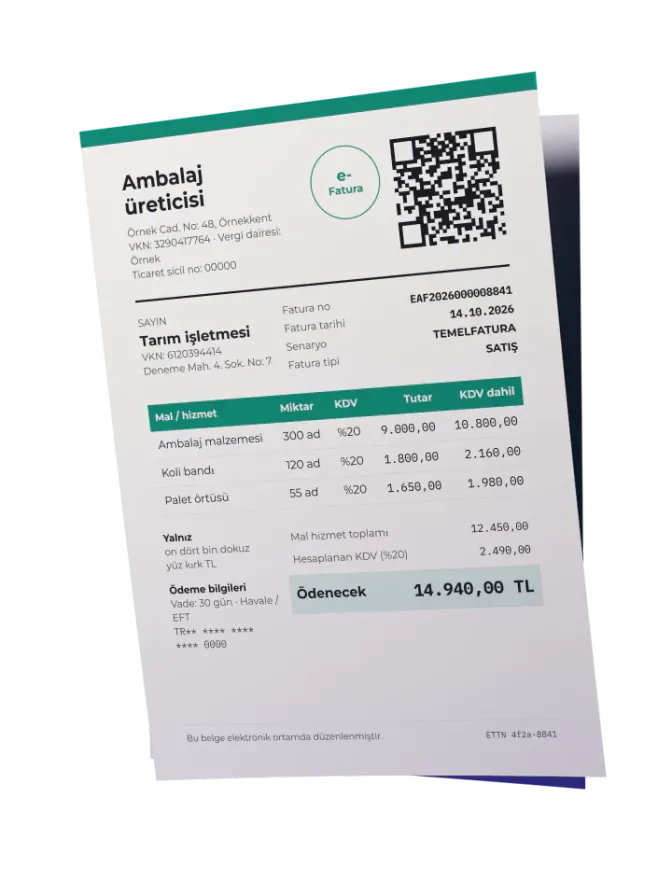
| Packaging manufacturer | 3290417764 | 12,450.00 | 2,490.00 | 14,940.00 |
| Tyre service | 1936275404 | 1,486.50 | 297.30 | 1,783.80 |
| Cold-chain logistics | 8762053140 | 9,720.00 | 1,944.00 | 11,664.00 |
| Machinery service | 9053712643 | 2,140.75 | 428.15 | 2,568.90 |
| Total | 67,567.75 | 13,513.55 | 81,081.30 | |
8 approved records will be written. 2 unapproved records will be left out.
Your clients access only their own workspaces. They view the documents they have uploaded and track period statuses. They cannot access accounting firm screens.
Your clients sign in at the same address. No additional software is needed. AI, Excel output, board and subscription screens aren’t open to client users.
Explore the featureUpload your business’s period documents to pass them to your accountant.
3/6 completedOpen
Click to see the 3 uploaded documents
No uploaded documents
Click to see the 2 uploaded documents
Completed by Selin A. · Oct 20, 2026 Click to see the 4 uploaded documents
Completed by Selin A. · Oct 16, 2026 Click to see the 1 uploaded documents
Marked “No documents” by Selin A. · Oct 14, 2026No uploaded documents
Team and permissions
Your team and your clients use the same sign-in and land in their own areas. Each membership is given one role, and permissions follow that role.
Click a person to see their role.
Data security
Your documents and database archives are stored on servers in Türkiye. Document storage is provided under an agreement with Türk Telekom. Your documents and details are protected in your own workspace. No other accounting firm can access your data or your clients’ data.

Standard listRows to be written to the file
Farm business · October 2026 · Purchase invoice
| Seller | Tax no. | Tax base | VAT | Total |
|---|---|---|---|---|
| Farm produce supplier | 4820159376 | 18,750.00 | 3,750.00 | 22,500.00 |
| Seed producer | 1583490268 | 7,425.50 | 1,485.10 | 8,910.60 |
| Machinery service | 9053712643 | 12,310.25 | 2,462.05 | 14,772.30 |
| Fuel station | 2718463951 | 3,284.75 | 656.95 | 3,941.70 |
| Packaging manufacturer | 3290417764 | 12,450.00 | 2,490.00 | 14,940.00 |
| Tyre service | 1936275404 | 1,486.50 | 297.30 | 1,783.80 |
| Cold-chain logistics | 8762053140 | 9,720.00 | 1,944.00 | 11,664.00 |
| Machinery service | 9053712643 | 2,140.75 | 428.15 | 2,568.90 |
67,567.75 · VAT 20% 13,513.558 / 10 records approvedExcel output
Export approved document information using Excel templates that match your accounting software.
01Create multiple Excel templates for each category.02Amounts are kept exact to the kuruş (1/100 lira).03Only approved document information is included in Excel files.04Exports for past periods can be generated again, including for inactive clients.Communication
Set when an automation runs, to whom and with which template. The sends you make and the ones automations make, with their results, are in Send logs.
Channels and recipients
EmailClients with open tasks in the periodEmailAll client usersNotificationSelected clientsYour email account
Emails from your automations and manual sends go out from this account, in your name. One email account can be connected per firm.
Only permission to send email is requested. Sent emails also appear in your account’s Sent folder.
Notifications
Relevant users receive a notification when a new document is uploaded, an analysis is completed or a usage limit is reached.
Templates
The email content used in automations and manual sends. The month and year in a template fill in from the period you choose.
Automation
Days 20–28 of the month · every 2 days · 10:00
Days it runs this monthNov 20, 10:00Goes to about 14 peopleSend logs
Nov 4, 14:00Document reminderManual · Elif A.9 / 14 sentNov 3, 09:00Last month’s gapsAutomationSentNov 1, 08:45Period closing noteAutomationSentOct 28, 10:00Document reminderAutomationPostponed · daily limitOct 24, 09:30Pre-filing reminderAutomationSentTax calendar
The filing, payment and notification dates Türkiye’s Revenue Administration (GİB) publishes, with every postponement.
Source: GİB tax calendar
One period, start to finish
Documents the AI isn’t sure about go to review. The others it read wait for your approval; they aren’t added to the Excel output until approved.
In review
400 documents came in during October 2026. 27 are in review, 305 await your approval, 68 are in categories with AI off.
Awaiting approval 305 / 400In review 27
October 2026400AI and you
The AI reads documents and fills in the relevant fields. You can review and edit the details. The final approval is yours.
Step 01Every document passes a malware scan. Files not found clean aren’t processed.
Step 02The AI reads the document and fills in the category’s fields.
Step 03Amount inconsistencies, missing tax numbers and VAT rate errors are flagged.
Step 04You can edit everything that was read. Nothing is added to the Excel output until approved.
Of 400 documents, 332 were read in categories with AI on and 27 are in review. Manual edits don’t spend credits; changes remove an existing approval.
Pricing
All features are included in every plan. Plans differ only in client limits, storage space and AI credits.
Free with no time limit
0TRY
No time limit. No credit card required.
749TRY/ month
VAT included
1,499TRY/ month
VAT included
2,999TRY/ month
VAT included
Prices include VAT. No setup fee or commitment is required.
You receive notifications when usage reaches 75% and 100%. Once the client limit is reached, new clients cannot be added. When credits run out, new AI reads cannot be started. A limited storage overage allowance is provided for uploads in progress. Uploads stop when this allowance is exhausted.
When you upgrade, the cost of unused days is deducted from the amount due and the new capacity becomes available immediately. Downgrades take effect at the end of the current billing period. If you have more active clients than the new plan allows, you need to deactivate some first. The same rule applies to canceling or reducing an add-on package.
When you cancel your plan, your account moves to the free plan at the end of the current billing period. Your data is not deleted. Clients over the limit are deactivated, newest first, and you are notified; anything that would exceed the other limits is blocked.
Free plan
Add 10 clients with the free plan. Manage communication, document sharing and period tracking in one place.
No credit card required.