| Category | AI | ||
|---|---|---|---|
| Default categories | |||
| Purchase invoice | On | ||
| Sales invoice | On | ||
| Expense receipt | On | ||
| Bank statement | On | ||
| Custom categories | |||
| Payroll | Not offered | ||
| Reconciliation letter | Not offered | ||
| Notary papers | Not offered | ||
Create a custom category
Category nameNotary papersAI analysis is not offered for custom categories.
The companies, people and numbers in these images are fictional.
You can enable or remove categories, or create new ones. Document reading resumes when you turn AI back on.
01You can turn AI on or off separately for each category.
02Documents in categories where AI is turned off are not sent to the AI provider.
03You can create custom categories. AI support is not available for these categories.
04Past documents are preserved when you remove categories.
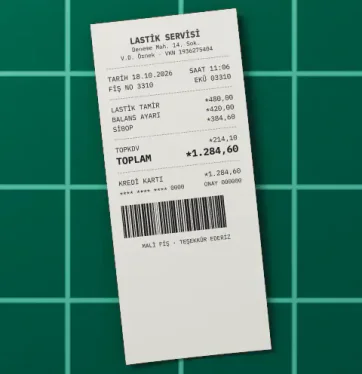 Document
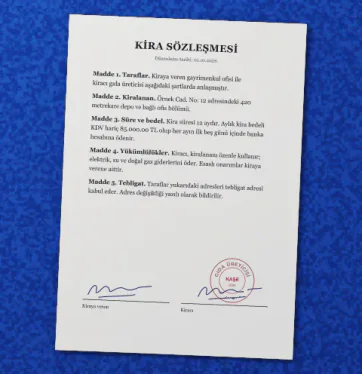 Document
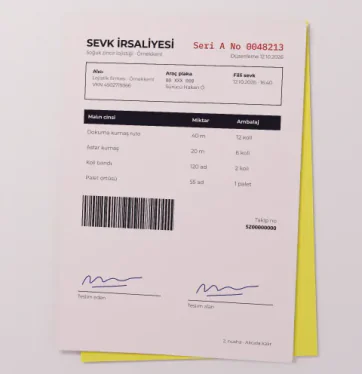
Can I turn AI off for individual categories?
Yes. Documents in categories where you turn AI off are not sent to the provider. Reading resumes when you turn it back on. Each category shows whether AI is on, off or unsupported.
Why is AI not supported for some categories?
The fields and rules needed for consistent document reading have not yet been completed for all categories. We are working to expand AI support.
Can I create custom document categories?
Yes. You can organize your documents in custom categories; AI is not supported for these categories. Muyoco prepares the reading fields and rules. You can tell us which categories you would like supported.
What happens to past documents if I remove a category?
Your documents are preserved, and past period exports remain available. The category cannot be selected for new documents. It is shown as removed in lists and on the export screen.
Connect with your clients on Muyoco
Add 10 clients with the free plan. Manage communication, document sharing and period tracking in one place.
No credit card required.